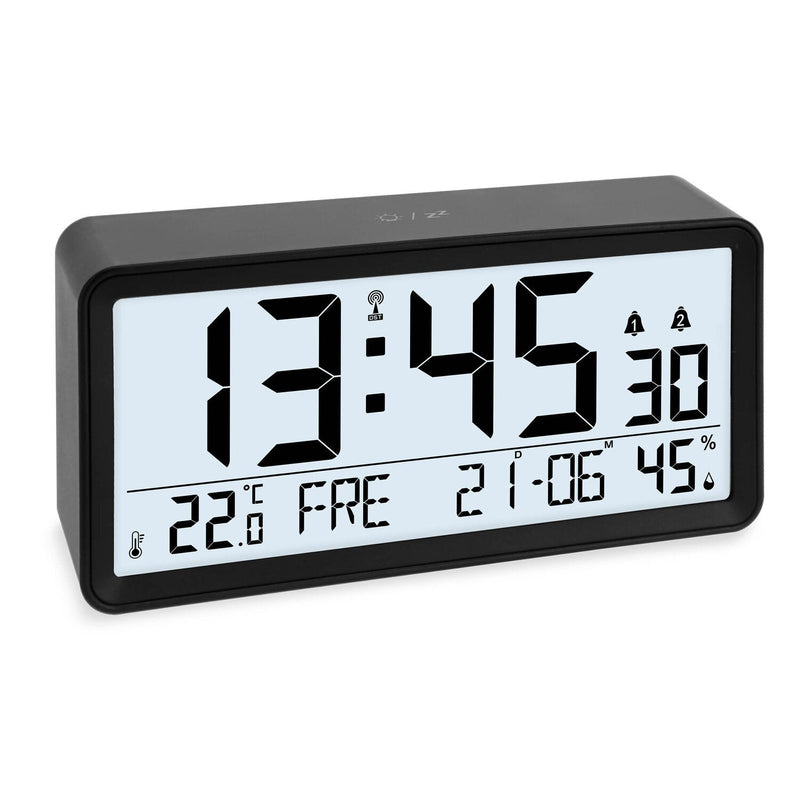
Radio-controlled clock won't change time: causes and solutions

If your radio-controlled clock still shows daylight saving time after the clocks change on October 25, 2026, it usually hasn't received the DCF77 time signal. The most common causes are weak batteries, an unfavorable location and interference from electrical devices. Use the following checklist to find the problem step by step.
Key facts at a glance
- Most common cause: the clock hasn't received the DCF77 time signal.
- Check the batteries first, then the location and possible sources of interference.
- Start reception manually as described in the user manual, ideally at night by a window.
- Check the time zone and radio reception in the settings; a reset is the last step.
First, just wait
Radio-controlled clocks usually synchronize their time with the radio signal at night, because reception is usually best then. If your clock still shows the old time on Sunday morning, it may simply not have had successful reception yet. Give it another night before you change anything.
Many radio-controlled clocks show a reception symbol on the display. What the individual indicators mean on your model is explained in the user manual.
The checklist: causes and solutions
1. Check the batteries
Weak batteries often affect radio reception first, while the display still looks normal. Insert fresh batteries of the right type, make sure the polarity is correct and then leave the clock undisturbed to receive the signal.
2. Change the location
The long-wave signal from Mainflingen near Frankfurt am Main doesn't get through equally well everywhere. Reinforced concrete, metal and window films can weaken it. As a test, place the clock close to a window and not on a metal surface. Sometimes it also helps to turn the clock slightly.
3. Remove sources of interference
Electrical devices interfere with reception. These include above all TVs, monitors, Wi-Fi routers and power supplies. As a rule of thumb, keep a distance of about 1 to 2 m. Chargers on the bedside table can also cause interference next to a radio-controlled alarm clock.
4. Start reception manually
Many radio-controlled clocks can be prompted to make a new reception attempt. This is usually done by pressing and holding a specific button – which one is explained in the user manual for your model. With the digital radio-controlled clock CK1704, for example, you insert the included batteries and then start radio reception. With only four buttons, operation stays simple.
- Place the clock near a window, far away from electrical devices.
- Start reception as described in the manual.
- Leave the clock where it is during reception and don't press any buttons.
- If it doesn't work during the day, try again in the evening or leave the clock by the window overnight.
5. Check time zone, daylight saving time and radio reception
If the clock is off by exactly one or more hours even though it has reception, it's worth checking the settings. On some models you can set a time zone offset, which should be set to 0 for Germany. On others, radio reception can be switched off completely. For example, radio reception can be deactivated on the digital radio-controlled clock CK2302. It then won't change over when the clocks change either.
6. Perform a reset
If none of this helps, reset the clock. On many models, you do this by removing the batteries, waiting briefly and inserting them again. Some clocks also have a dedicated reset button. The clock then usually restarts and searches for the signal. How the reset works on your model is explained in the manual.
| Symptom | Possible cause | Solution |
|---|---|---|
| Clock still shows daylight saving time | no reception yet since the time change | wait for the next night, start reception manually |
| Reception never works | weak batteries, sources of interference, unfavorable location | change the batteries, keep distance from electrical devices, place by a window |
| Clock is off by exactly whole hours | time zone offset set | check the time zone as described in the manual |
| Clock no longer sets itself at all | radio reception switched off | activate radio reception in the settings |
Fallback: set the time by hand
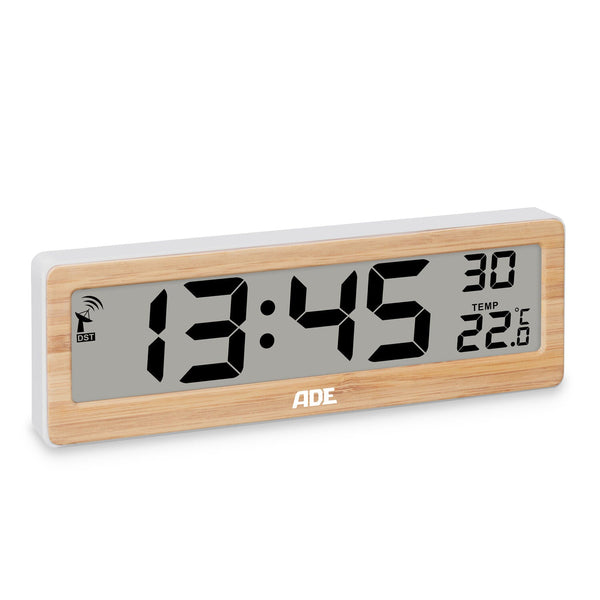
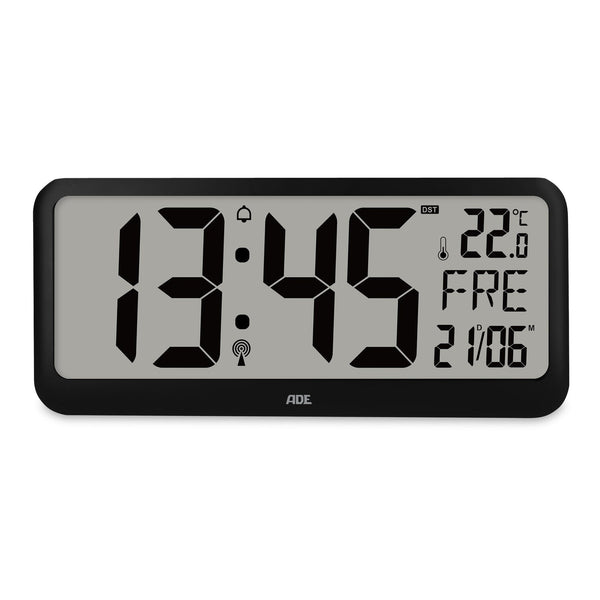
If you live in a location with poor radio reception, you can also set many radio-controlled clocks manually. The digital wall clock CK2301, for example, offers automatic and manual time setting, and you can also download the user manual on the product page. If the clock gets reception again later, many models automatically switch back to the radio time.
Tip: You'll find all manuals in one place in the user manuals section. We answer frequently asked questions in our FAQ. If you're still stuck, you can reach us via the contact form.
In most cases, the problem is quickly found: fresh batteries, a spot by the window and some distance from electrical devices. After that, your radio-controlled clock will switch over on its own again every time the clocks change. You'll find new models under Clocks and alarm clocks.
Matching products
From this article
Why doesn't my radio-controlled clock change back when daylight saving time ends?
Usually the clock hasn't received the DCF77 time signal since the time change. Common causes are weak batteries, electrical devices nearby or a location far away from the window.
How do I restart radio reception on my radio-controlled clock?
On many radio-controlled clocks, you start reception by pressing and holding a specific button. Which button that is on your model is explained in the user manual. Leave the clock undisturbed during reception.
My radio-controlled clock is off by exactly one hour. Why is that?
Either the clock hasn't had reception since the time change, or a time zone offset is set. Check the user manual to see whether your model has a time zone setting, and set it to 0 for Germany.
Can I also set a radio-controlled clock by hand?
Yes, many radio-controlled clocks offer manual time setting in addition to automatic. On many models, the clock switches back to the radio time at the next successful reception.
When do radio-controlled clocks get the best reception?
Reception of the DCF77 time signal is usually best at night. That's why many radio-controlled clocks synchronize their time during the night.
Guide