


Hygrometer
With a thermo-hygrometer, you can see humidity and room temperature at a glance, optionally with a mould alarm for when the humidity gets too high.
7 products








Guide
Which hygrometer is right for you?
A thermo-hygrometer shows you the humidity and temperature in the room and makes it clear when the room needs airing.
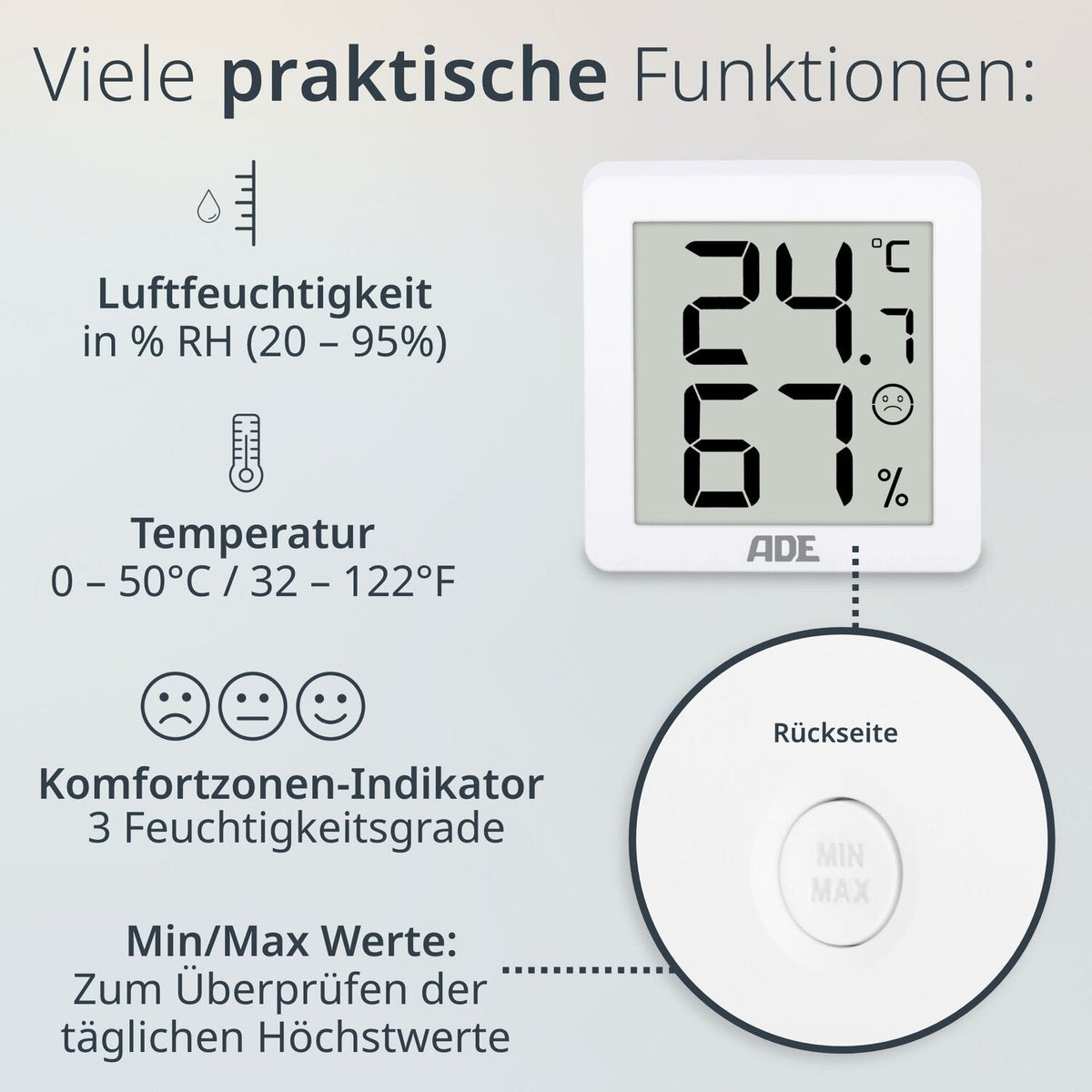
A hygrometer measures the relative humidity in a room. ADE’s digital thermo-hygrometers also show the room temperature. A comfort indicator rates the values in five levels from “too dry” to “too humid”; depending on the model, there is also a visual mould alarm with an adjustable limit, a dew point display, min./max. values or a 12-hour humidity history. You will also find a digital fridge thermometer here.
- If you want to detect damp early, choose a model with a mould alarm and an adjustable limit. For the bedroom, an easy-to-read display and an undisturbed location matter.
- ADE hygrometers need neither an app nor Wi-Fi, and the batteries are included.
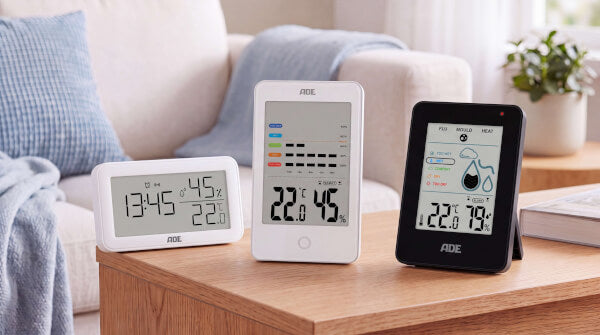
Which function you need depends on what you want to know. The overview shows what each function is good for and which models have it.
| Function | What it is for | Example from the range |
|---|---|---|
| Five-level comfort indicator | See at a glance whether the air is too dry, comfortable or too humid | WS1700/WS1701, WS2310, set of 3 WS2303 |
| Mould alarm with limit | Warning on the display as soon as the humidity exceeds your limit | WS2310, WS1700/WS1701 |
| Dew point display | Assess whether condensation can form on cold surfaces such as windows | WS2310, WS1700/WS1701 |
| 12-hour humidity history | Track how the humidity changes, for example after airing the room | WS1700/WS1701 |
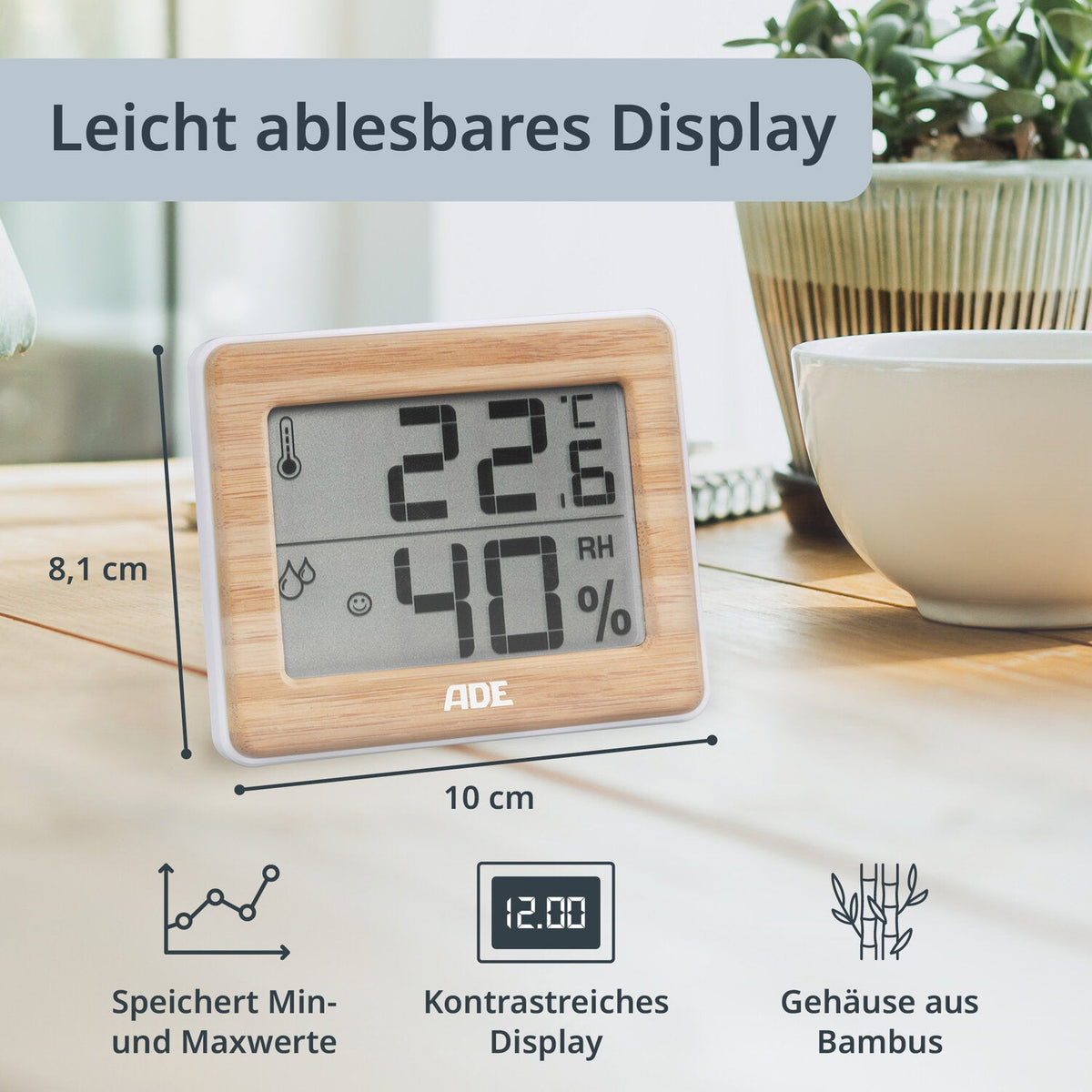
| Min./max. values | Keep track of the highest and lowest values, for example overnight | WS2310, WS1702, WS2322, set of 3 WS2303 |
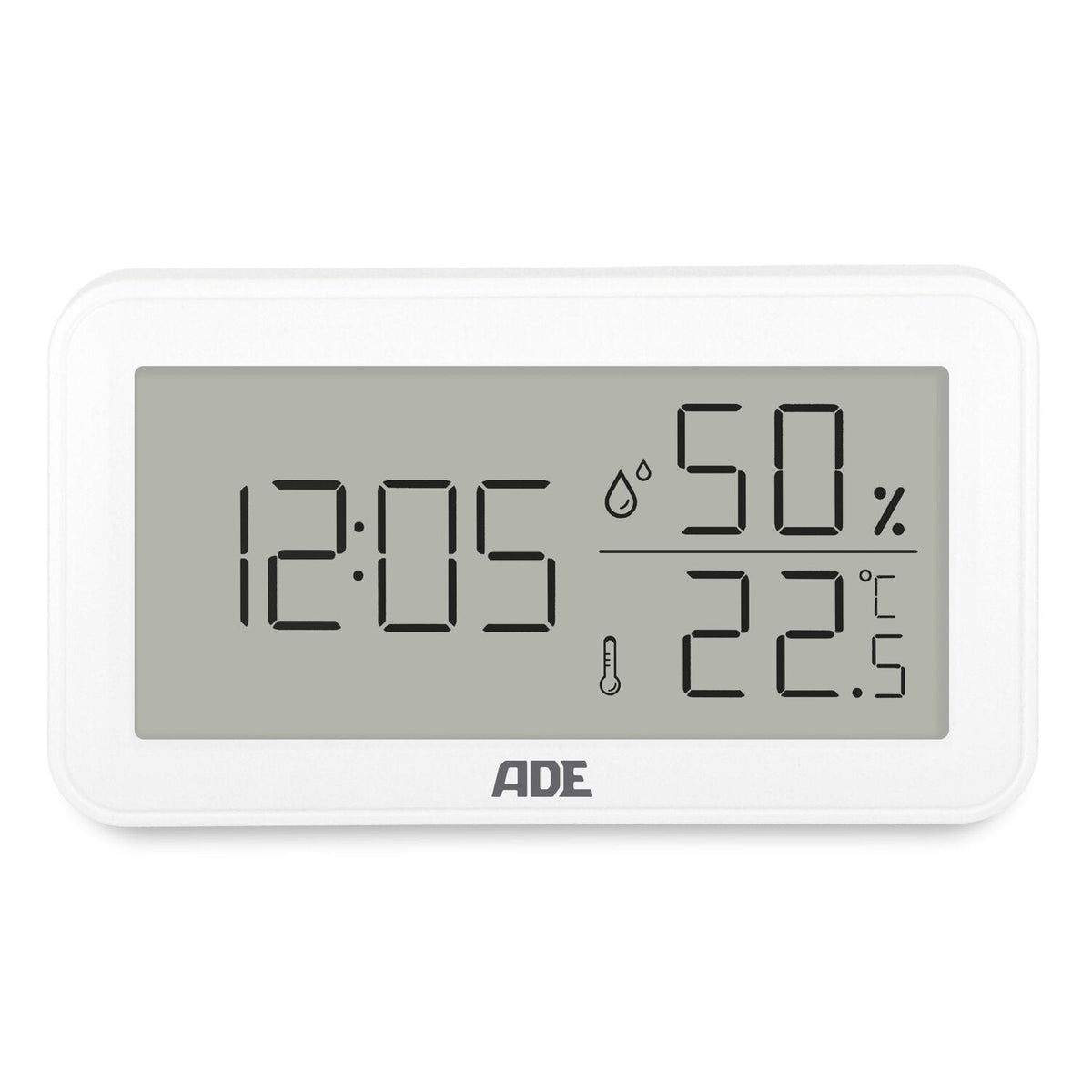
| Time and alarm clock | Indoor climate and time in one device | WS2322 |
| Several devices | Keep an eye on each room individually | Set of 3 WS2303, WS1702 twin pack |
-
Keeping an eye on damp rooms
For rooms that quickly become damp: the WS2310 thermo-hygrometer gives a visual warning when the humidity exceeds the limit you have set. It shows the dew point and the min./max. values of the last 12 hours, and rates the humidity in five levels.
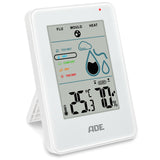 Digital thermo-hygrometer WS2310View the hygrometer with mould alarm
-
A history, not just a snapshot
The WS1701 thermo-hygrometer stores a 12-hour humidity history. This lets you see how the values change, for example after airing the room. It has a large display, a dew point display and a mould alarm. In white, the same device is called WS1700.
 Digital thermo-hygrometer WS1701View the thermo-hygrometer
-
Several rooms at once
For several rooms, you place a separate thermo-hygrometer in each room. The set of 3 contains three compact devices with a comfort indicator and min./max. values. You can stand them on a surface, hang them up or attach them by magnet.
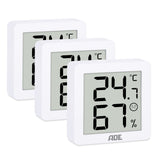 Digital thermo-/hygrometer set of 3View the set of 3
-
In the fridge
For the fridge and freezer compartment: the digital fridge thermometer shows the temperature continuously and stores the highest and lowest values, so that even brief spikes become visible. It can be attached with a magnet, suction cup or hook, or placed on its stand.
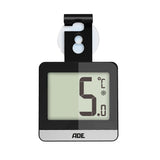 Digital refrigerator thermometerView the fridge thermometer

Where is the best place to put your hygrometer?
What matters in bedrooms and children's rooms?
What should you do if the hygrometer raises an alarm?
Sources: German Environment Agency (UBA): Richtig lüften und heizen (German), Ratgeber Schimmel im Innenraum (German), umweltbundesamt.de
What does a hygrometer measure?
A hygrometer measures the relative humidity as a percentage. ADE thermo-hygrometers also show the room temperature in °C or °F and, depending on the model, measure humidity from 20 to 95 % or from 10 to 99 % (WS2322).
What humidity level is sensible in living spaces?
As a rough guide, a relative humidity of around 40 to 60 % is often given for living spaces. This can vary depending on the room and the season. The comfort indicator on ADE hygrometers rates your reading in levels from “too dry” to “too humid”.
How does the mould alarm work?
On the WS2310, WS1700 and WS1701 models, you set a humidity limit. If the reading rises above it, a warning appears on the display. This is a prompt to act, for example by airing the room. However, a hygrometer cannot reliably rule out damp damage or mould.
What does the dew point display show?
The dew point is the temperature at which water vapour in the air condenses. If a surface such as a window pane or an external wall is colder than this, condensation can form there. The WS2310 and WS1700/WS1701 models calculate the dew point from temperature and humidity.
Can I hang up the hygrometer?
Yes. You can hang up any ADE thermo-hygrometer or stand it on a surface. The WS2310 and WS1700/WS1701 have a fold-out stand and a hanging loop for this, and the set of 3 can also be attached by magnet.
Which hygrometer warns of a mould risk?
The WS2310 and the WS1700, which is also available in black as the WS1701, have a mould alarm with a limit you set yourself. Both also show the dew point, which tells you whether condensation can form on cold windows. In addition, the WS1700/WS1701 stores the humidity history over 12 hours.
Which thermo-hygrometer is suitable for a bedroom or children's room?
A model with a large, clear display and a comfort indicator is a good choice, such as the WS1700 (white) or WS1701 (black) with a 12-hour humidity history. In the morning, you can see how the humidity has changed overnight and know whether the room needs airing.
What are good indoor thermometers that also measure humidity?
For living spaces, a digital thermo-hygrometer that shows temperature and humidity at the same time and rates the values is a good choice. ADE offers models with a comfort indicator, mould alarm, dew point and history, all of which can be used without an app. For several rooms, there is a set of 3 and the WS1702 in a twin pack.
Do I need an app for the hygrometer?
No. ADE hygrometers show all values directly on the display. You do not need an app or an account. The batteries are included, so you can start measuring straight after unpacking.